
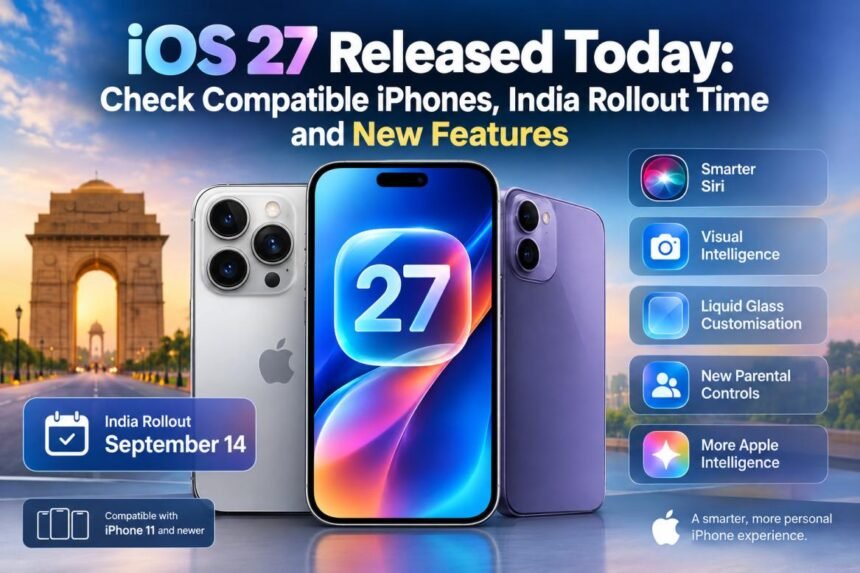
Apple is beginning the global rollout of iOS 27 today, September 14, 2026, bringing a major software update to supported iPhone models in India and other markets. The new operating system was initially unveiled at WWDC 2026 and has since been tested through multiple developer and public beta versions.
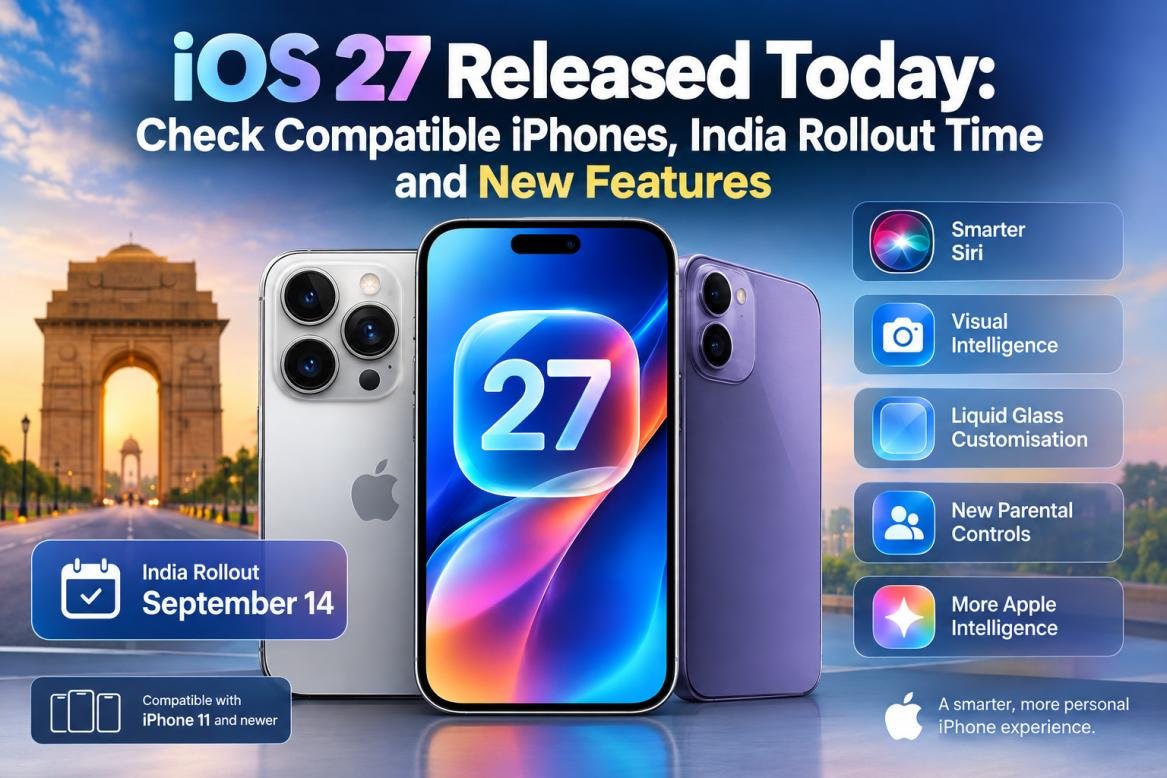
The update introduces a significantly upgraded Siri experience, new Apple Intelligence capabilities, additional Visual Intelligence tools and further customisation for Apple’s Liquid Glass interface. Apple has also added several new features aimed at improving parental controls and everyday iPhone use.
The newly launched iPhone 18 Pro, iPhone 18 Pro Max and iPhone Duo come with iOS 27 pre-installed, while owners of older compatible iPhones can download the update as an over-the-air software upgrade.
When Will iOS 27 Be Available in India?
Apple has confirmed that iOS 27 will begin rolling out globally, including India, on September 14. The company has not announced a specific release time for the Indian market.
Based on Apple’s previous major iOS releases, the update could become available in India at around 10:30pm IST, corresponding to the typical 10am PT rollout window in the US. However, the exact timing can vary.
Once Apple’s servers make the update available for a particular device, users will receive the option to download and install iOS 27 directly through the iPhone’s Software Update section.
Before installing a major software update, users should back up important data and make sure their iPhone has enough battery or is connected to a charger.
How to Install iOS 27 on an iPhone
Eligible iPhone owners can check for the update directly from the Settings app. Follow these steps:
- Open Settings on your iPhone.
- Go to General.
- Tap Software Update.
- Allow the iPhone to check for the latest available software.
- Select Download and Install when iOS 27 appears.
- Enter your passcode if prompted and accept the terms.
- Wait for the installation to complete and the iPhone to restart.
The update may not appear for every user at exactly the same time because availability can vary depending on Apple’s rollout and individual devices or regions.
iOS 27 Compatible iPhone Models
Apple is maintaining broad software support with iOS 27. The update is available for the iPhone 11 series and newer compatible models, as well as the second- and third-generation iPhone SE.
The compatible lineup includes:
- iPhone 18 series
- iPhone Duo
- iPhone 17 series
- iPhone 16 series
- iPhone 15 series
- iPhone 14 series
- iPhone 13 series
- iPhone 12 series
- iPhone 11 series
- iPhone SE (3rd generation, 2022)
- iPhone SE (2nd generation, 2020)
The iPhone 18 Pro, iPhone 18 Pro Max and iPhone Duo are shipped with iOS 27 already installed.
iOS 27 Brings a New Siri Experience
One of the headline features of iOS 27 is Apple’s redesigned Siri experience. Apple is positioning the new version as a more capable AI assistant, with its underlying intelligence combining Apple’s Foundation Models with Google’s Gemini models.
The new Siri experience is designed to understand more personal context and can retrieve relevant information from supported apps. It can also perform certain actions across apps, potentially reducing the need for users to manually switch between different applications.
Apple has also introduced a dedicated Siri app, allowing users to initiate conversations and revisit earlier interactions.
Visual Intelligence Gets More Capable
Apple is expanding Visual Intelligence with iOS 27. The feature can use the iPhone camera to understand objects and scenes around the user.
Users can ask Siri questions about what the camera is viewing and access relevant actions based on the information detected. Visual Intelligence is also being extended to analyse content displayed on the iPhone’s screen.
This makes the feature useful beyond traditional camera-based searches, particularly when users want information about something already displayed on their device.
More Liquid Glass Customisation
Apple introduced the Liquid Glass design language with iOS 26, and iOS 27 adds further customisation.
Users get more control over the appearance and intensity of transparent interface elements, allowing them to adjust the visual style of supported parts of the operating system.
Apple is also adding more Apple Intelligence capabilities across apps including Photos, Safari, Wallet and Shortcuts.
New Parental Controls and Other Changes
iOS 27 brings a larger set of parental-control tools designed to give parents more control over how children use their iPhones.
The update includes features such as Ask to Buy, Ask to Browse, contact approvals, Time Allowances and scheduled restrictions.
Apple has also redesigned the Phone app and added contextual suggestions to apps such as Messages and Mail. Safari gains the ability to organise tabs according to topics, which could make it easier to manage large numbers of open webpages.
What to Know Before Installing iOS 27
iOS 27 is a significant software update, so users should consider backing up their important information before beginning the installation. It is also better to install the update while connected to Wi-Fi and with sufficient battery power.
For users with compatible iPhones, the update should appear automatically under Settings > General > Software Update once Apple’s rollout reaches their device.
With the new Siri experience, expanded Visual Intelligence, Liquid Glass improvements and additional parental controls, iOS 27 is one of Apple’s major iPhone software updates for 2026.