


A VPN, or Virtual Private Network, creates an encrypted connection between your device and the internet. It can hide your IP address, protect traffic on public Wi-Fi and give you more control over how your internet connection is routed.
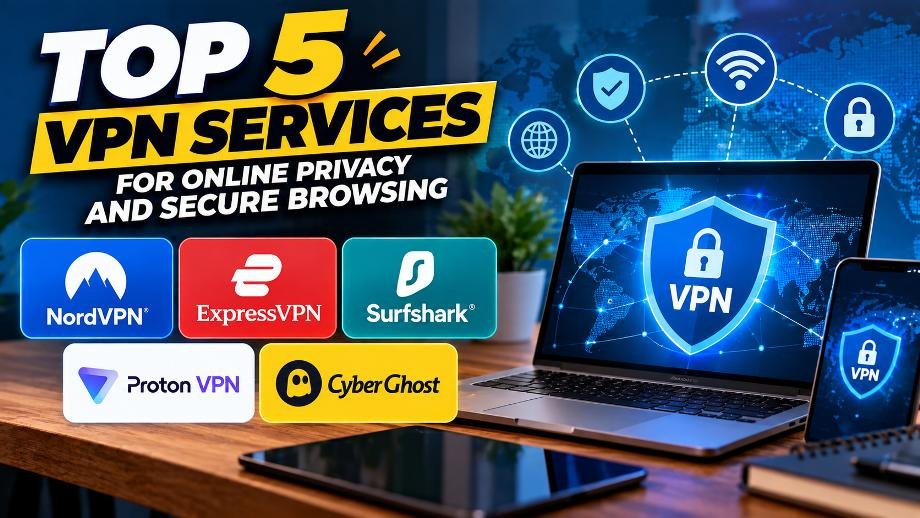
Modern VPN services also offer features beyond basic encryption. Depending on the provider, you may get tools such as a kill switch, split tunneling, private DNS, ad and tracker blocking, multi-hop connections, specialized servers and support for multiple devices.
Here are five well-known VPN services and the features they offer.
1. NordVPN
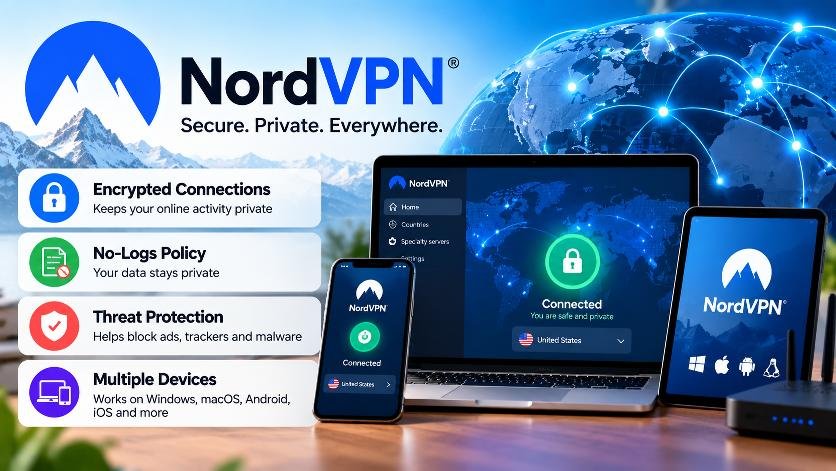
NordVPN offers more than basic VPN encryption, with several security and privacy features built into its apps. The service supports features including a kill switch, DNS leak protection, split tunneling, Double VPN and obfuscated servers. It also offers additional protection against malicious websites, scams and trackers.
Key Features
- No-logs policy: NordVPN says it does not log users’ online activity.
- Kill Switch: Can block internet access if the VPN connection unexpectedly drops.
- Double VPN: Routes traffic through two VPN servers for an additional layer of encryption.
- Obfuscated servers: Designed to hide the fact that a VPN connection is being used.
- Split tunneling: Allows selected apps to bypass the VPN.
- Threat protection: Includes tools for blocking malicious websites, ads and trackers, with additional malware scanning on supported desktop plans.
- Multiple devices: One account can protect up to 10 devices simultaneously.
NordVPN also supports Windows, macOS, Linux, Android and iOS, along with browser extensions and router setups.
Best for: Everyday browsing and users who want a wide range of security features.
2. ExpressVPN
ExpressVPN focuses heavily on privacy, connection stability and ease of use. One of its key technologies is TrustedServer, which uses RAM-only servers so server data is wiped when the infrastructure is rebooted.
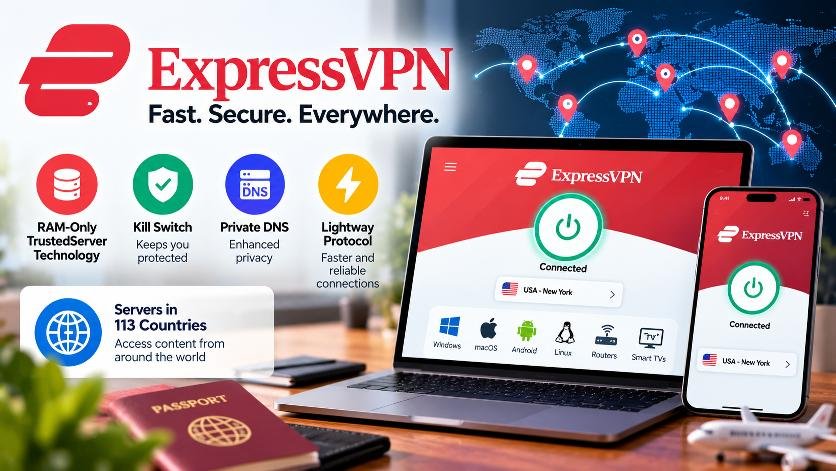
The service also uses its Lightway protocol, which is designed to provide fast and stable VPN connections and switch efficiently between networks such as Wi-Fi and mobile data.
Key Features
- TrustedServer technology: Uses RAM-only servers.
- Lightway protocol: Designed for fast and stable connections.
- Kill Switch: Helps prevent unprotected traffic if the VPN disconnects.
- Private DNS: ExpressVPN says its servers use private DNS to help protect DNS requests.
- 256-bit AES encryption: Used to protect VPN traffic.
- No-logs policy: The company says its policy has been independently audited.
- Global network: ExpressVPN currently lists servers in 113 countries.
- Unlimited bandwidth: The service says it does not impose bandwidth caps.
Best for: Users who want a straightforward premium VPN with an emphasis on privacy and connection performance.
3. Surfshark
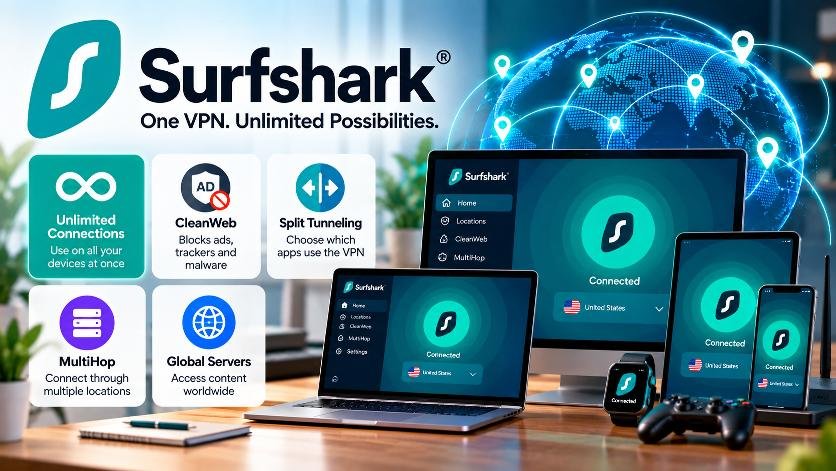
Surfshark is particularly notable for its unlimited simultaneous connections, meaning a single subscription can be used across multiple devices at the same time. This can be useful for households with phones, laptops, tablets, TVs and other connected devices.
The service also provides several advanced VPN features.
Key Features
- Unlimited simultaneous connections: Connect multiple devices under one account.
- CleanWeb: Designed to block ads, trackers and malicious content.
- Split tunneling: Allows selected traffic to use the normal internet connection while other traffic uses the VPN.
- MultiHop: Routes traffic through two VPN servers.
- Obfuscated servers: Designed to make VPN traffic less obvious.
- Global server network: Surfshark currently lists more than 4,500 servers worldwide.
- Dedicated IP option: Users can obtain a unique IP address as an additional service.
For families or people who own several internet-connected devices, the unlimited connection feature can be particularly useful.
Best for: Households with multiple devices.
4. Proton VPN
Proton VPN has a strong focus on privacy, transparency and open-source software. Its apps are open source, allowing their code to be inspected, and the company says its apps undergo independent security audits.
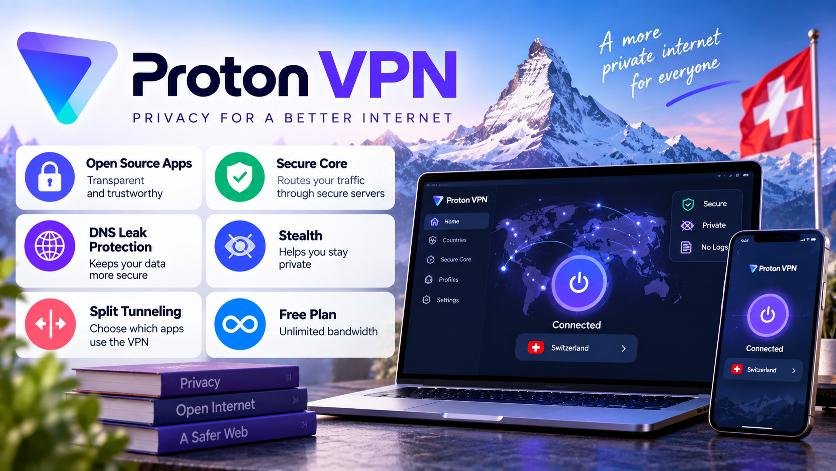
One of its biggest attractions is its free VPN plan, which Proton says has no data or time limits and does not display advertisements.
Key Features
- Free plan: Unlimited bandwidth with no data or time limit.
- No-logs policy: Proton says it does not log users’ online activity.
- Open-source apps: Proton’s VPN applications are open source.
- Secure Core: Routes traffic through additional secure servers for an extra privacy layer.
- Stealth protocol: Designed to help VPN connections work in environments where VPN traffic may be restricted.
- Kill Switch: Helps prevent internet traffic from leaving the device outside the VPN connection.
- Split tunneling: Lets users choose which traffic goes through the VPN.
- DNS leak protection: Helps prevent DNS requests from exposing browsing information.
Proton VPN says its free plan uses the same core privacy protections as its paid service, although premium plans provide access to additional servers and features.
Best for: Privacy-conscious users and people looking for a free VPN option.
5. CyberGhost VPN
CyberGhost VPN combines standard VPN privacy features with specialized servers designed for activities such as streaming, gaming and P2P downloads.
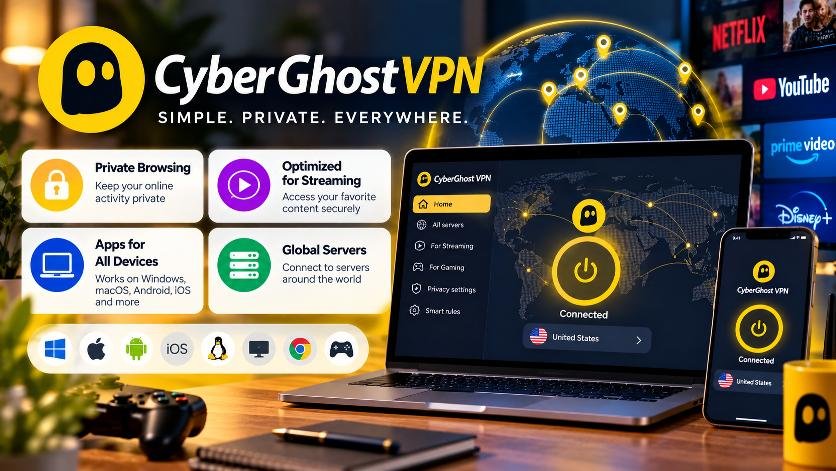
The service currently lists VPN servers across 100 countries and 120+ locations, with specialized options for different types of online activity.
Key Features
- RAM-only servers: Server data is cleared when the servers reboot.
- Streaming-optimized servers: Designed for streaming-related connections.
- Gaming servers: Designed to improve routing and reduce potential latency.
- P2P servers: Optimized for peer-to-peer traffic.
- Kill Switch: Helps block unprotected internet traffic if the VPN connection drops.
- DNS and IP leak protection: Helps prevent the real IP address or DNS requests from being exposed.
- Unlimited bandwidth: CyberGhost says its service does not impose bandwidth limits.
- Multi-device support: Up to seven devices can be connected simultaneously.
CyberGhost also supports popular platforms including Windows, macOS, Android and iOS, with additional options for compatible TVs and streaming devices.
Best for: Beginners who want a simple VPN with specialized servers.
What Features Should You Look for in a VPN?
Before choosing a VPN, it helps to understand what the major features actually do.
Kill Switch
A kill switch can automatically block internet traffic if the VPN connection unexpectedly drops. This helps prevent your regular connection from briefly exposing your IP address or unencrypted traffic.
Split Tunneling
Split tunneling lets you decide which apps use the VPN and which connect directly to the internet. For example, you could route your browser through the VPN while allowing another application to use your regular connection.
No-Logs Policy
A no-logs policy generally means the provider says it does not retain certain records of your online activity. However, “no logs” policies can differ between providers, so users should check the provider’s privacy policy and independent audit information rather than relying only on the marketing claim.
MultiHop / Double VPN
This feature routes your connection through more than one VPN server. It can provide an additional privacy layer, although using multiple servers can affect connection speed.
Private DNS
DNS translates website addresses into IP addresses. A VPN with private DNS can route those requests through the VPN provider’s infrastructure instead of relying on an outside DNS provider.
VPN Protocols
VPN protocols determine how your device establishes its encrypted connection. Common protocols include WireGuard, OpenVPN, IKEv2 and proprietary protocols such as NordLynx and Lightway.
Multiple Device Support
If you have several phones, computers, tablets and TVs, check how many simultaneous connections the service permits. This can make a significant difference for families.
Which VPN Should You Choose?
There is no single VPN that fits every user. The right choice depends on what you actually need.
If multiple simultaneous connections matter most, Surfshark’s unlimited-device approach may be relevant. If you specifically want a free VPN with unlimited bandwidth, Proton VPN offers a free plan with those characteristics. Users interested in specialized streaming or gaming servers can look at CyberGhost, while NordVPN and ExpressVPN offer a broad collection of privacy and security features.
One important point: a VPN is not a complete cybersecurity solution. It does not automatically protect you from phishing, malware, weak passwords or unsafe websites. Use a VPN alongside strong passwords, two-factor authentication, updated software and sensible browsing habits.