


A slow Wi-Fi connection can be frustrating, especially when you’re streaming videos, downloading files, playing games or working from home. But your internet plan isn’t always the reason for poor Wi-Fi performance.
- 1. Move Your Router to a Better Location
- 2. Use the 5 GHz or 6 GHz Wi-Fi Band
- 3. Restart Your Router
- 4. Update Your Router’s Firmware
- 5. Disconnect Devices You Don’t Use
- 6. Stop Background Downloads
- 7. Change the Wi-Fi Channel
- 8. Keep Your Router Away From Sources of Interference
- 9. Consider Upgrading Your Router
- 10. Test Your Internet Speed Using Ethernet
- Final Takeaway

Router placement, network congestion, outdated hardware and background downloads can all affect your connection.
Here are 10 simple ways to make your Wi-Fi faster and more reliable.
1. Move Your Router to a Better Location
Where you place your router can have a major impact on Wi-Fi performance.
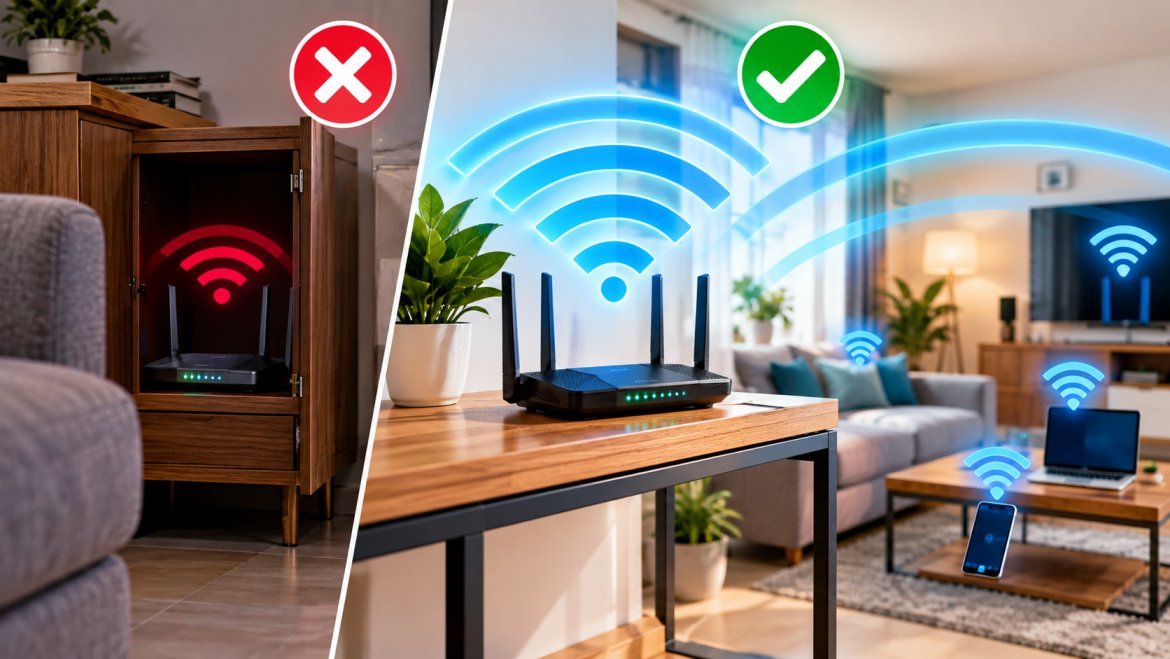
Keep the router in a central, elevated and open location instead of placing it inside a cabinet, behind furniture or in a corner. Thick walls, metal objects and other obstacles can weaken the wireless signal.
If you have a large home, a mesh Wi-Fi system or additional access point may provide better coverage.
2. Use the 5 GHz or 6 GHz Wi-Fi Band
Modern routers can support multiple Wi-Fi frequency bands.
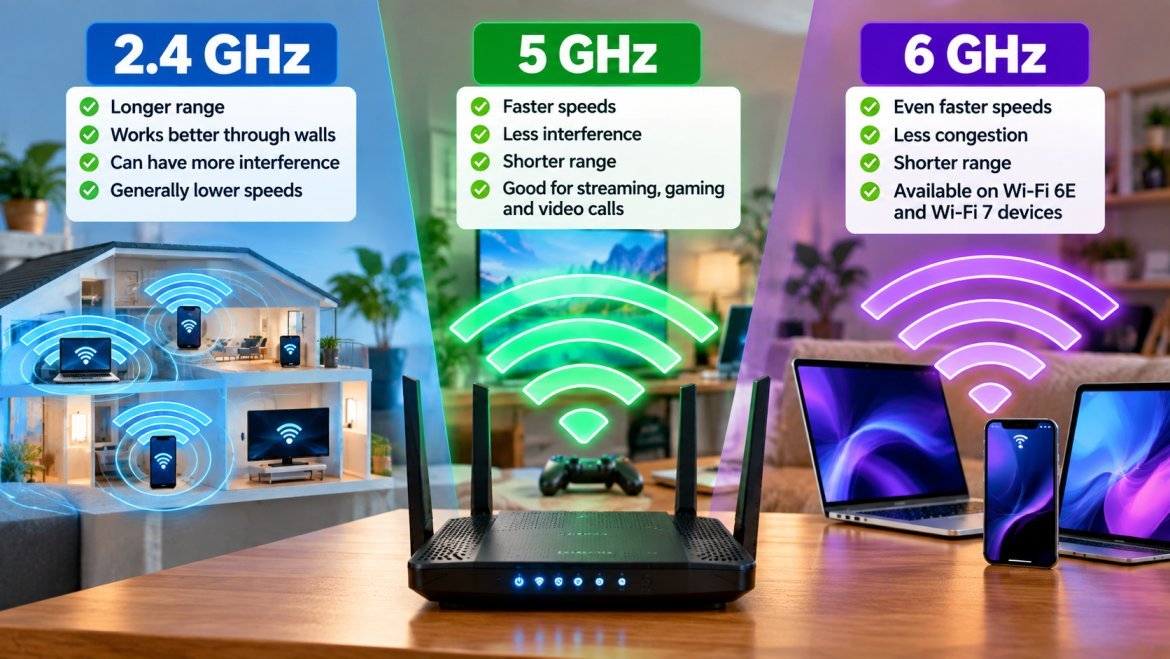
The 2.4 GHz band generally offers longer range but can experience more interference. The 5 GHz band can provide faster speeds at shorter distances, while 6 GHz is available on compatible Wi-Fi 6E and Wi-Fi 7 devices.
If your device is relatively close to the router, try connecting it to the 5 GHz or 6 GHz network.
3. Restart Your Router
Sometimes a simple restart can solve temporary connectivity problems.
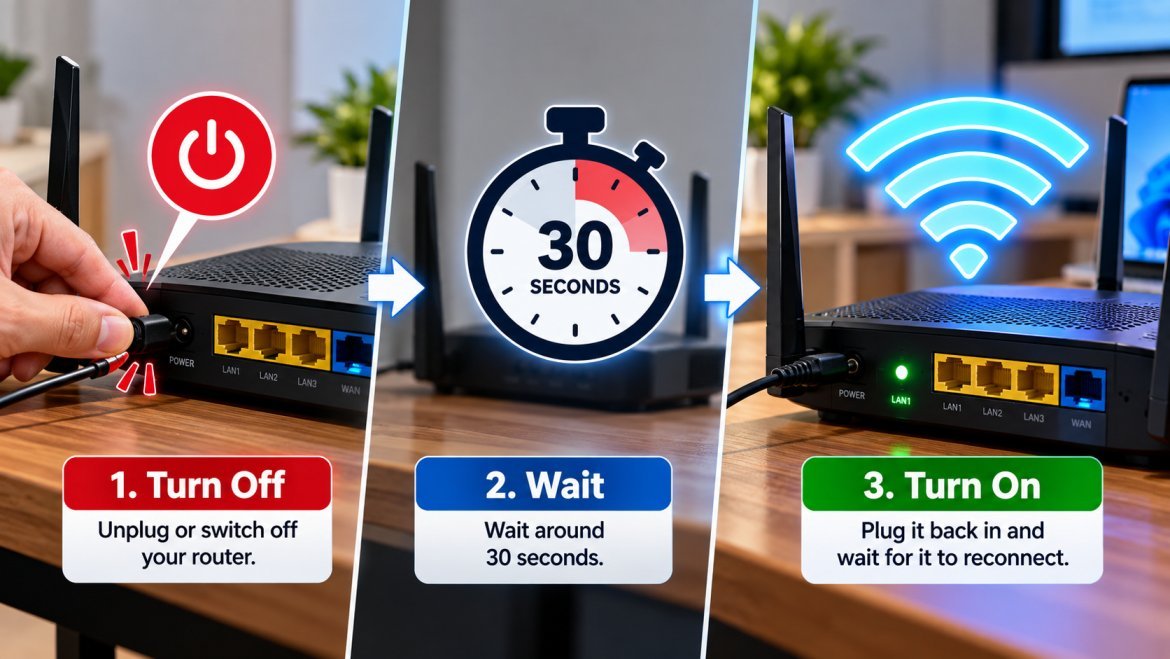
Turn off your router, wait around 30 seconds and turn it back on. This can clear temporary issues and allow your devices to reconnect to the network.
However, if you constantly need to restart your router to get good performance, it may indicate a deeper problem.
4. Update Your Router’s Firmware
Router manufacturers regularly release firmware updates that can improve performance, stability and security.
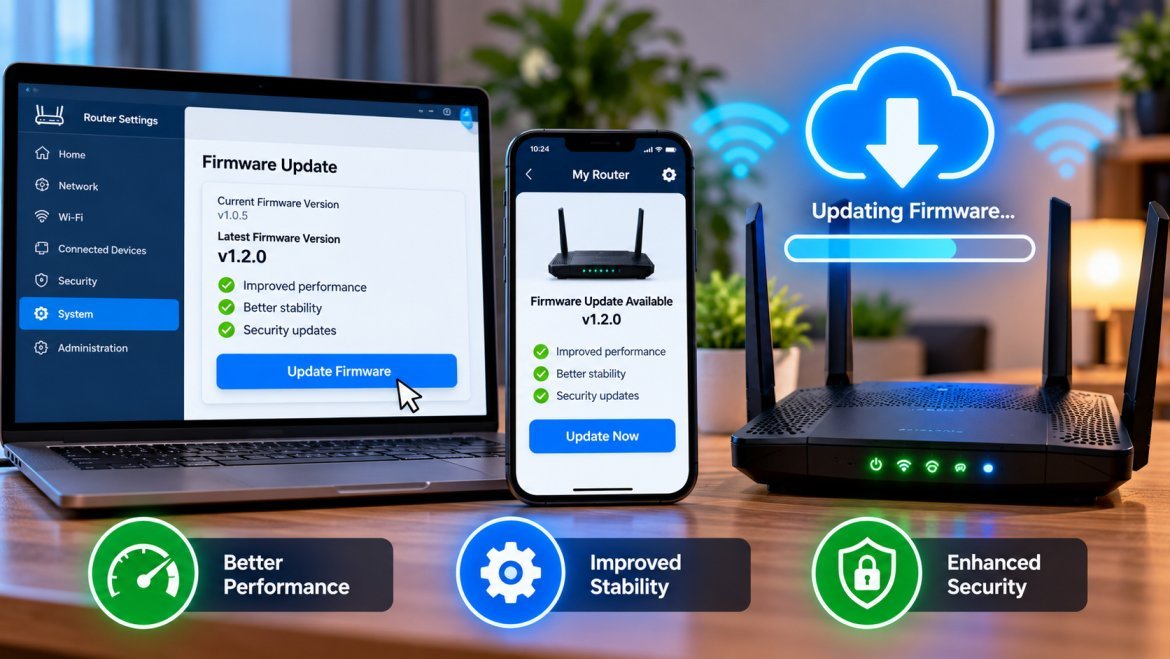
Open your router’s administration page or mobile app and check whether a firmware update is available.
If your router supports automatic updates, enabling the feature can make maintenance easier.
5. Disconnect Devices You Don’t Use
A large number of active devices can put additional demand on your home network.
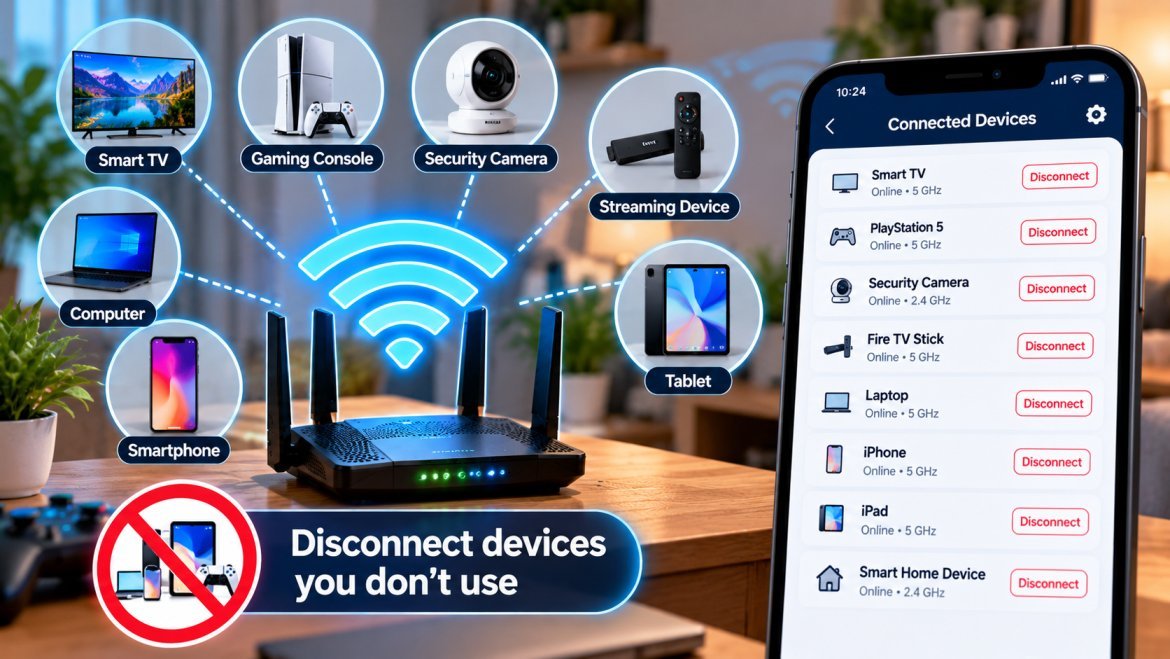
Check the list of devices connected to your router and disconnect anything you no longer use.
Pay particular attention to devices such as:
- Smart TVs
- Gaming consoles
- Security cameras
- Streaming devices
- Computers
- Phones and tablets
Devices that constantly stream, upload or download data can have a bigger impact on available bandwidth.
6. Stop Background Downloads
Your devices may be consuming bandwidth even when you’re not actively using them.
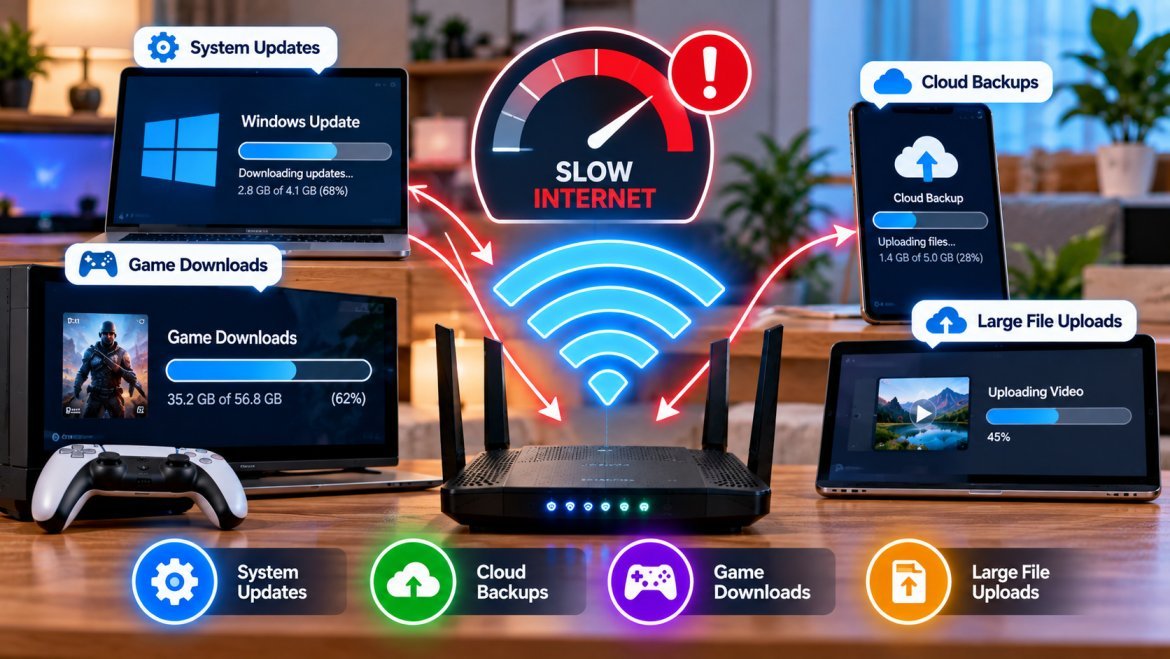
Operating-system updates, cloud backups, game downloads and large file uploads can slow down other activities on the network.
If your Wi-Fi suddenly becomes slow, check whether another device is downloading or uploading a large amount of data.
7. Change the Wi-Fi Channel
If you live in an apartment or a densely populated area, several nearby routers may be using overlapping wireless channels.
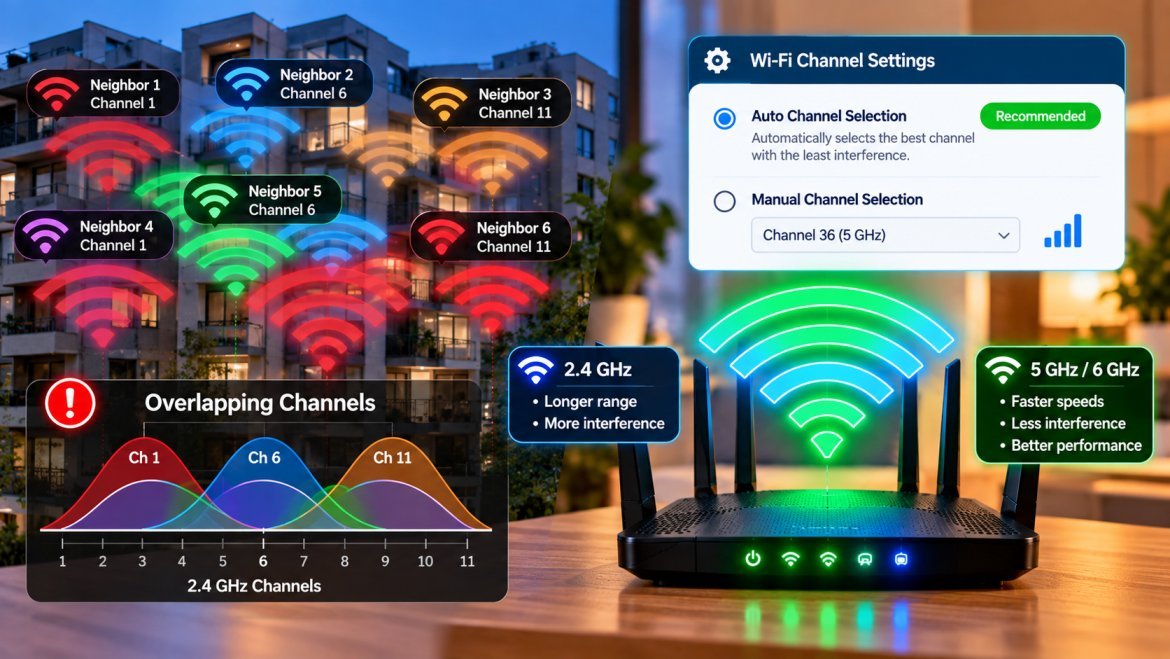
This can create interference, particularly on the 2.4 GHz band.
Many modern routers can automatically select a suitable channel. If your router offers automatic channel selection, enabling it can help reduce interference.
8. Keep Your Router Away From Sources of Interference
The router should ideally have a clear area around it.
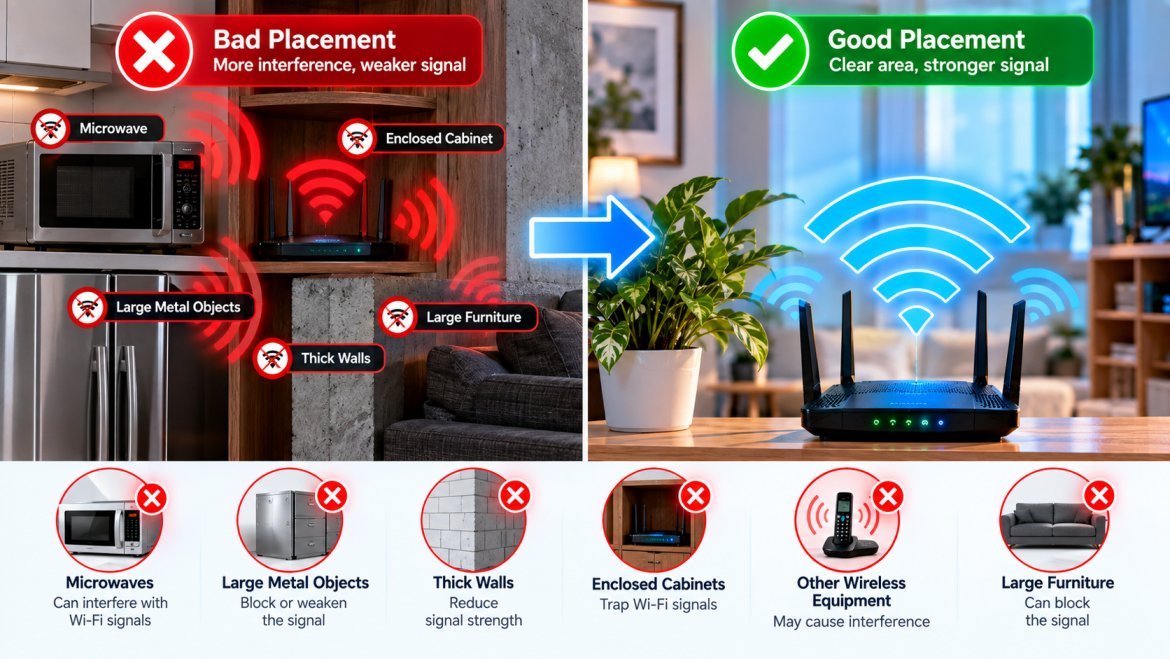
Try to keep it away from:
- Microwaves
- Large metal objects
- Thick walls
- Enclosed cabinets
- Other wireless equipment
- Areas surrounded by large furniture
Moving the router just a few feet can sometimes improve signal quality in certain parts of your home.
9. Consider Upgrading Your Router
An older router can become a bottleneck, particularly if you have a fast broadband connection and many connected devices.
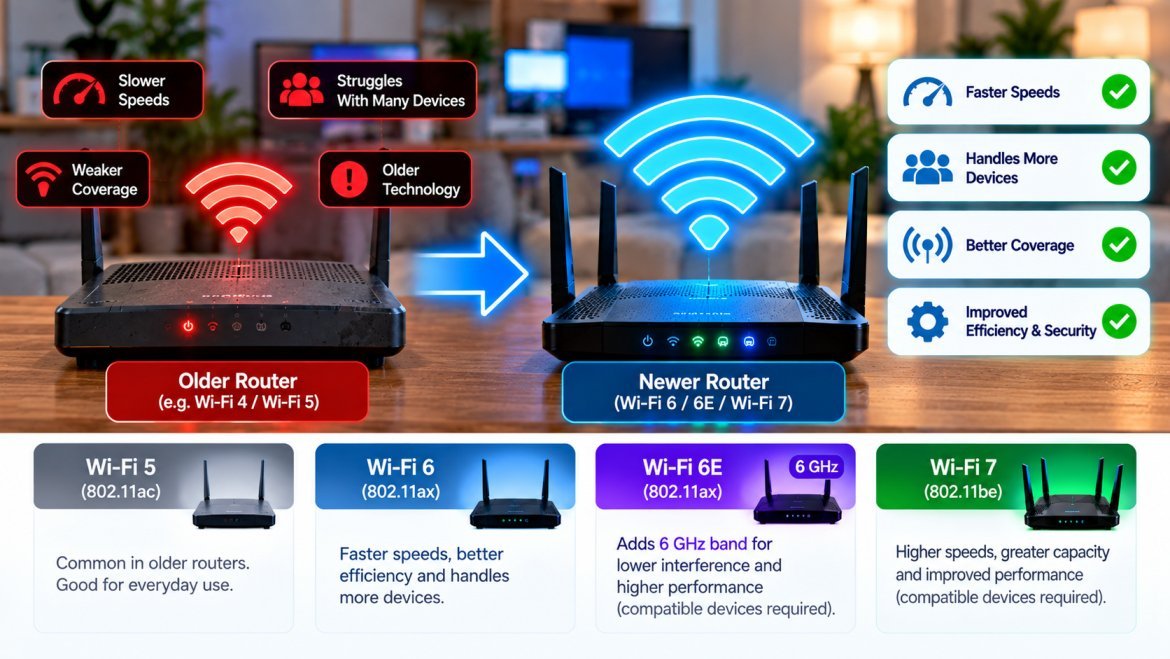
Newer standards such as Wi-Fi 6, Wi-Fi 6E and Wi-Fi 7 offer improvements in network efficiency, capacity and performance when paired with compatible devices.
However, buying a new router won’t increase the speed provided by your internet plan. It can help your local wireless network make better use of the connection you already have.
10. Test Your Internet Speed Using Ethernet
Before assuming that your Wi-Fi is the problem, check whether your broadband connection itself is working properly.
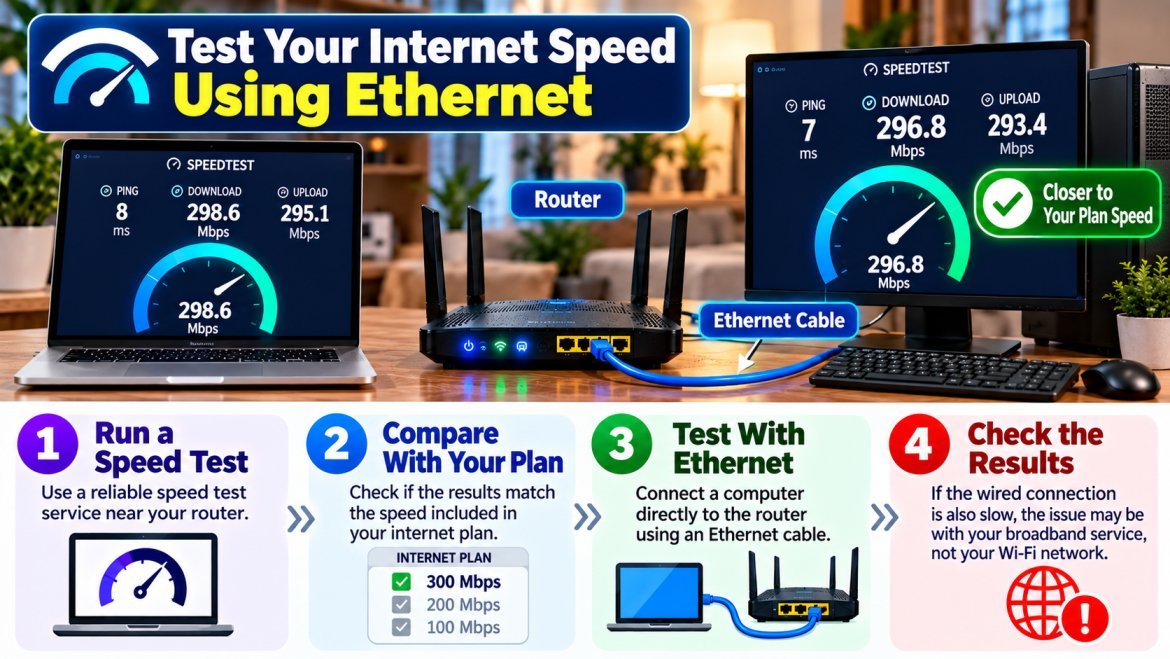
Run a speed test near your router and compare the result with the speed included in your internet plan.
You can also connect a computer directly to the router using an Ethernet cable. If the wired connection is also slow, the issue may be with your broadband service rather than your Wi-Fi network.
Final Takeaway
Improving Wi-Fi doesn’t always require upgrading your internet plan. Simple changes such as moving the router, using the right frequency band, reducing network congestion and updating router firmware can improve your wireless experience.
If your home has many devices or large areas with weak coverage, upgrading to a modern router or mesh Wi-Fi system may also be worth considering.