

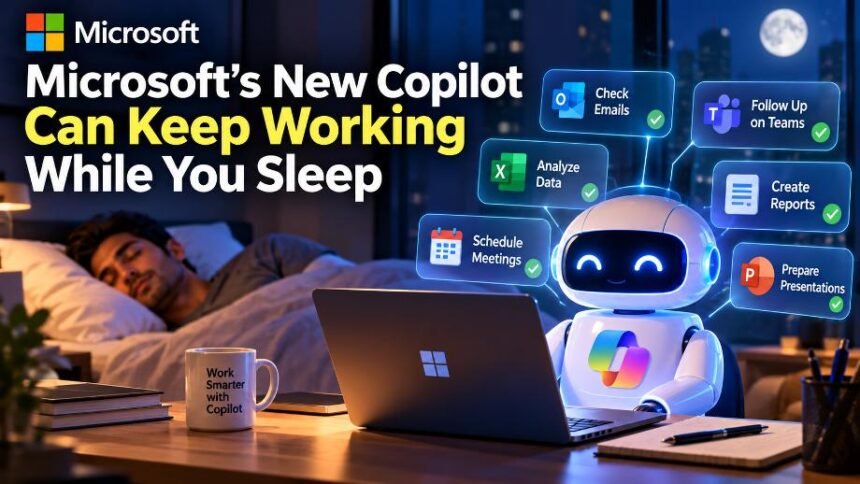
Microsoft is taking its Copilot AI beyond the traditional chatbot with a major new feature called Autopilot. Unlike a conventional AI assistant that waits for a prompt, Autopilot is designed to continue working on tasks even when the user is away from the computer.
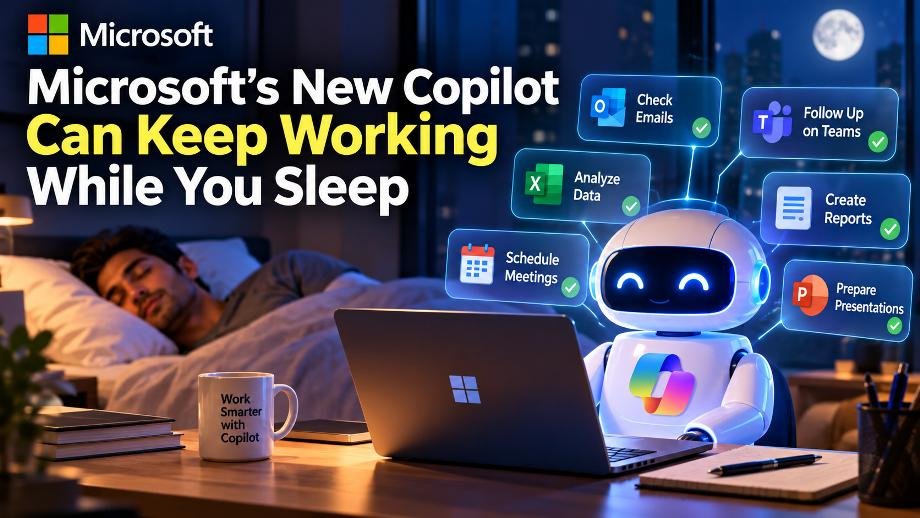
Microsoft announced the redesigned Copilot on September 25, introducing three major areas: Home, Code and Autopilot. While Home brings Chat and Cowork together, Code allows users to build apps and workflows using natural-language instructions. Autopilot is the feature aimed at longer-running, autonomous work.
What Is Microsoft Copilot Autopilot?
Autopilot is essentially designed as a digital teammate rather than simply a chatbot.
Microsoft says users can give the agent a name, role and goal. It can then monitor relevant channels, follow up on conversations, perform recurring work and continue projects without requiring a new prompt every time.
The biggest difference is that Autopilot is cloud-hosted. This means it can continue working while the user is offline, away from their computer or even asleep.
For example, Microsoft says an Autopilot agent could manage parts of a supplier-review process. It could prepare schedules and workback plans, handle follow-ups and contact stakeholders for updates.
It Has Its Own Memory and Workspace
Microsoft says Autopilot operates with its own identity, memory, computer and workspace.
It is designed to work across tools such as Teams, Outlook, chats, channels and documents. The agent operates within the permissions and governance controls established by an organization.
That makes the feature different from simply asking an AI chatbot to generate a response.
Instead of:
User → Prompt → AI → Answer
the model Microsoft is moving toward looks more like:
User → Goal → AI Agent → Multiple Actions → Completed Work
This shift is part of the broader move toward agentic AI, where AI systems can perform multiple steps toward a goal instead of only responding to individual questions.
Copilot Can Also Build Apps
Microsoft’s Copilot update isn’t only about autonomous agents.
The new Code capability allows users to describe an application, dashboard, tracker, automation or workflow using natural language. Copilot can then build the solution in a sandboxed environment.
Microsoft is also bringing Word, Excel and PowerPoint capabilities directly into Copilot, allowing users to create and edit real documents, spreadsheets and presentations from the Copilot interface.
When Will Autopilot Be Available?
Microsoft says Autopilot will expand to private preview at the end of September, while Home and Code are rolling out through Microsoft’s Frontier program in the coming weeks.
The rollout means the full experience isn’t immediately available to everyone. Availability will depend on Microsoft’s preview and product rollout programs.
Why This Matters
The important part of Microsoft’s announcement isn’t simply a new Copilot interface. It reflects a larger change in how companies are approaching AI.
The first generation of generative AI largely focused on answering questions and creating content. The newer generation is increasingly focused on delegating work to AI agents.
Microsoft’s Autopilot is an example of that transition.
Instead of asking AI to write a follow-up email, for example, a future workflow could involve giving an agent responsibility for monitoring a project, identifying pending tasks and helping move the process forward.
That could make AI considerably more useful for repetitive workplace tasks—but it also makes permissions, monitoring, security and human oversight increasingly important.
The Bottom Line
Microsoft’s new Copilot is moving from a tool users talk to toward a platform where users can delegate work to AI.
Autopilot’s ability to continue working when users are away is perhaps its most notable feature. If Microsoft’s vision becomes widely adopted, the next generation of workplace AI may spend less time waiting for prompts and more time carrying out tasks in the background.