
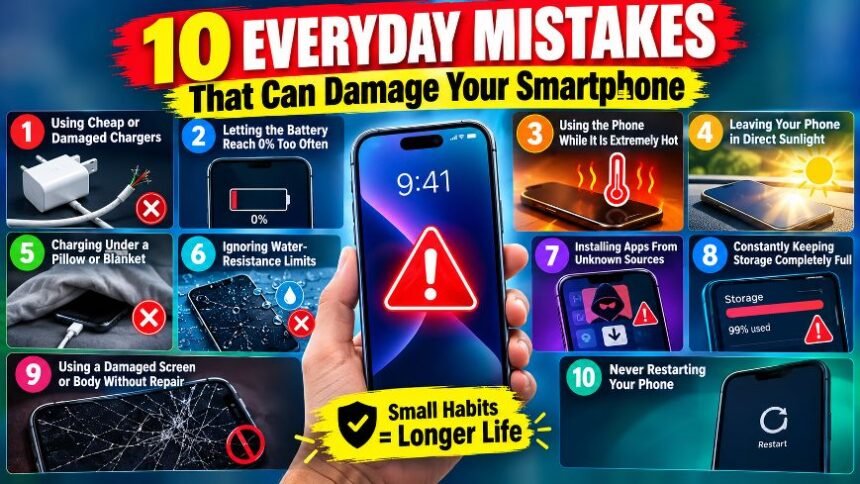
Your smartphone goes almost everywhere with you, but some everyday habits can quietly shorten its life. From charging mistakes to exposing the phone to extreme temperatures, small mistakes can affect the battery, display and internal components.
- 1. Using Cheap or Damaged Chargers
- 2. Letting the Battery Reach 0% Too Often
- 3. Using the Phone While It Is Extremely Hot
- 4. Leaving Your Phone in Direct Sunlight
- 5. Charging Under a Pillow or Blanket
- 6. Ignoring Water-Resistance Limits
- 7. Installing Apps From Unknown Sources
- 8. Constantly Keeping Storage Completely Full
- 9. Using a Damaged Screen or Body Without Repair
- 10. Never Restarting Your Phone
- Final Takeaway
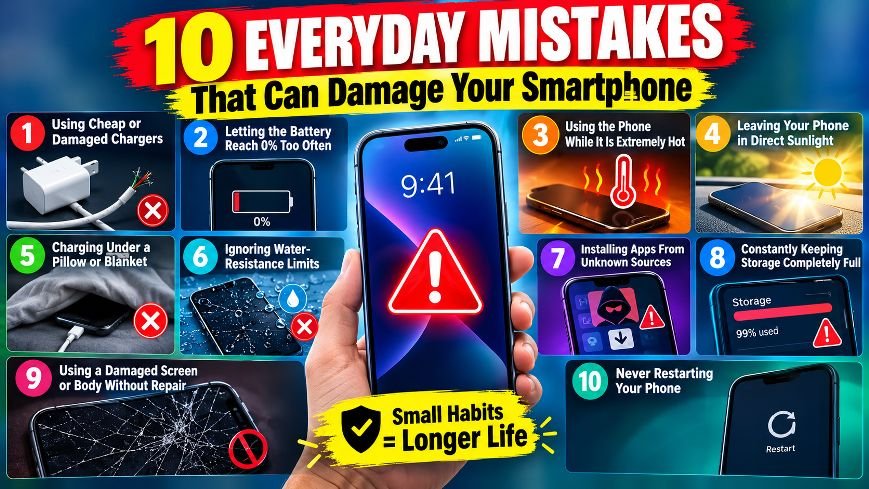
Here are 10 common smartphone mistakes you should avoid.
1. Using Cheap or Damaged Chargers
Low-quality chargers and damaged cables can deliver unstable power and may cause excessive heating. Whenever possible, use the charger recommended by your phone manufacturer or a reputable, standards-compliant alternative.
2. Letting the Battery Reach 0% Too Often
Modern phones use lithium-ion or lithium-polymer batteries. Frequently running the battery completely flat can contribute to faster battery degradation over time.
You don’t need to wait until the battery reaches 1% before charging.
3. Using the Phone While It Is Extremely Hot
Heavy gaming, video recording or navigation can generate significant heat. Using a phone intensively while it is already hot can increase thermal stress on the battery and other components.
If your phone becomes unusually hot, give it time to cool down.
4. Leaving Your Phone in Direct Sunlight
A phone left on a car dashboard or in direct sunlight can become extremely hot. High temperatures can affect battery health and may cause the device to slow down or shut down temporarily.
5. Charging Under a Pillow or Blanket
This can trap heat around the phone while it is charging. Avoid covering a charging phone with bedding, clothes or other insulating materials.
6. Ignoring Water-Resistance Limits
Water-resistant does not mean waterproof. Even phones with an IP rating can have limitations, and seals can weaken as a device ages or gets damaged.
Avoid deliberately exposing your phone to water unless the manufacturer specifically permits it.
7. Installing Apps From Unknown Sources
Untrusted apps can introduce malware, excessive background activity or unwanted permissions. Download apps from official app stores whenever possible and review the permissions they request.
8. Constantly Keeping Storage Completely Full
When your phone’s storage is nearly full, you may experience slower performance and problems installing updates or saving files.
Try to keep some free storage available.
9. Using a Damaged Screen or Body Without Repair
A cracked screen or damaged frame isn’t just a cosmetic issue. Physical damage can make the device more vulnerable to dust, moisture and further damage.
If the phone has serious damage, inspection can prevent bigger problems later.
10. Never Restarting Your Phone
Smartphones can run for weeks without being restarted, but an occasional restart can clear temporary processes and resolve minor software glitches.
If your phone starts behaving strangely, a simple restart is often worth trying before more complicated troubleshooting.
Final Takeaway
You don’t need to treat your smartphone like a fragile gadget. Simple habits—avoiding excessive heat, using reliable charging accessories, protecting the device from water, and keeping software and storage under control—can help your phone stay reliable longer.